



Ukraine Developers Network
The social network and Google news portal built on React/Redux architecture.
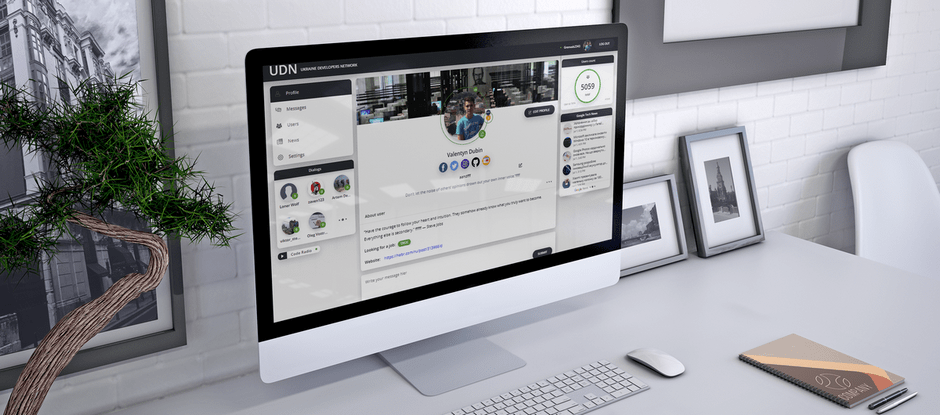
Video review
Review
When I was a child, I dreamed of creating my own social network. This project is a step toward that childhood goal) I would be grateful for any feedback or suggestions to improve the code.
Technology stack
-
Architecture
UI(React), BLL(Redux), DAL(Axios, Thunk).
-
Build system & environment
The project was created using Create React App (CRA). Part of the application is written with class components, some parts have been rewritten using hooks.
-
Design
I designed the UI myself, drawing inspiration from Behance, Apple, and Facebook. The style is a mix of minimalism, metro, and flat design, with some elements of skeuomorphism.
-
Layout and styling
Styling. Used:
- css modules - solves the problem of global scope.
- sass(scss) - for using variables, mixins, and nesting.
- BEМ - In this case, since some of its responsibilities are handled by modules, it allows SCSS to be expanded and makes it convenient to create nested structures and split a component into sub-blocks.
- for scrollbar customization, I used react-perfect-scrollbar.
- for convenient class name combinations, I integrated the classnames library.
- for styling the select element, I used react-select.
Grid. I based the layout on flex, and used grid in some areas. I decided not to use Bootstrap or Materialize, as even with these frameworks, pre-built components need to be transformed and overridden with custom styles. Additionally, building the grid with flex doesn’t take much time.
Animations. I wrote all animations manually without using any libraries. To link transition animations with the component lifecycle, I used the react-transition-group library in some places.
Responsive design. I used the standard responsive approach, with flexible and adaptive layout. To prevent rendering unused components based on screen width, I used the react-responsive library(which monitors resize and innerWidth).
-
Store
For managing the global state of the application, I initially wrote a simplified version of Redux to understand its structure and the problems it solves. Later, I used redux, react-redux, to conveniently integrate Redux with React (using connect).
-
Routing
For routing implementation, I used the react-router-dom library.
-
API
For working with REST APIs, I used the axios library. To enable the creation of asynchronous actions and side effects, I integrated redux-thunk.
-
Forms
I integrated redux-form, but I didn’t like how it creates its own branch in the global Redux store. I believe that data should be handled at the local level. As a result, some parts were written without using the library.
-
Selectors
For caching selectors, I used react-select.
Structure and functionality
-
Header panel
- Displaying authorized user data (Username/Photo).
- LogIn/LogOut based on authentication with redirection to the login page.
-
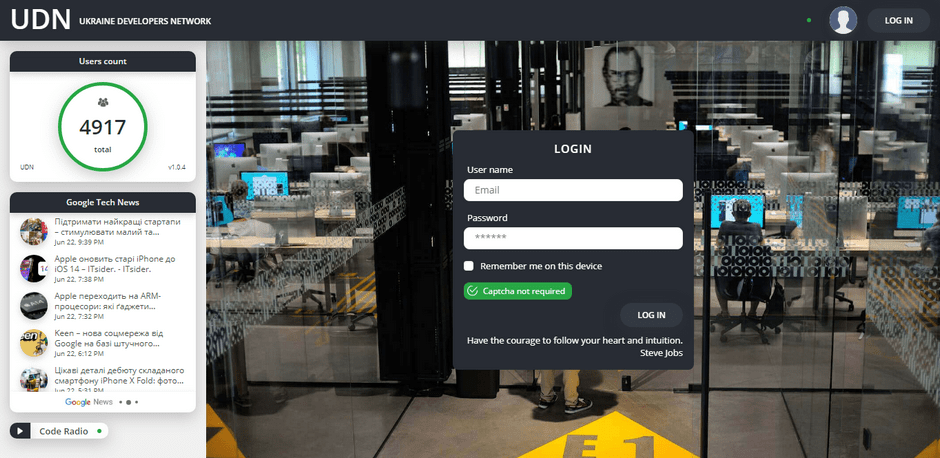
Login page
- The form for entering authentication credentials (username/password) with client-side and server-side validation.
- CAPTCHA with a refresh button (activates after more than 4 incorrect password attempts).
- Redirection to the profile upon successful login, and redirection from other pages if the user is not authenticated.
-
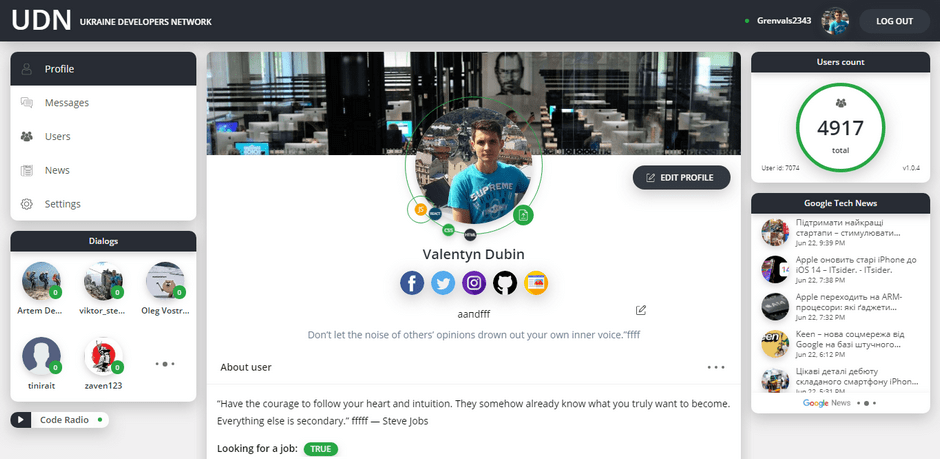
Profile page
- Mode switch (authenticated user/viewing user profiles)
- Displaying and changing the user's main profile photo.
- Displaying and editing the status.
- Displaying user data: About, Looking for a job, Website, and Contacts (Facebook, Twitter, Instagram, GitHub, Website).
- Profile edit button with redirection to the settings page/message sending button if the profile is in view mode.
- Creating and deleting posts (changes are currently stored locally).
-
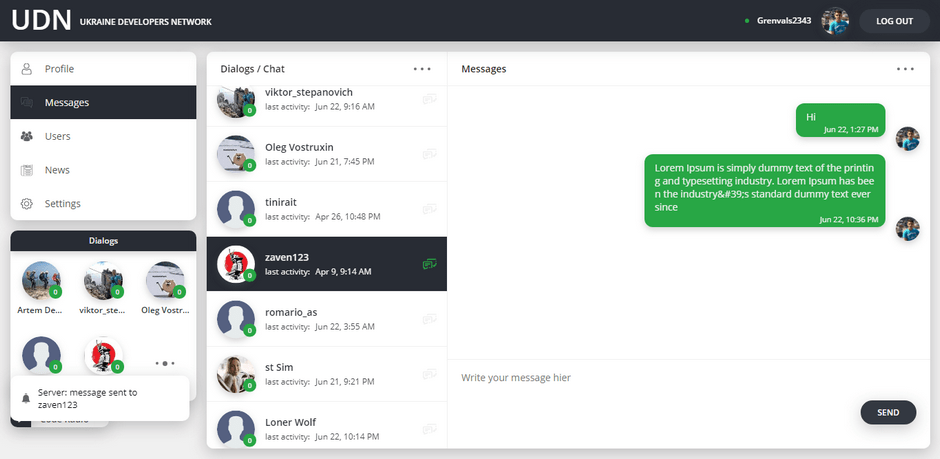
Dialogs page
- Lists of dialogs and messages (updated every 15 seconds).
- Message sending form with validation.
- Functionality for switching between active dialogs.
- Functionality for sending and receiving messages.
- Displaying the number of new messages for each dialog.
-
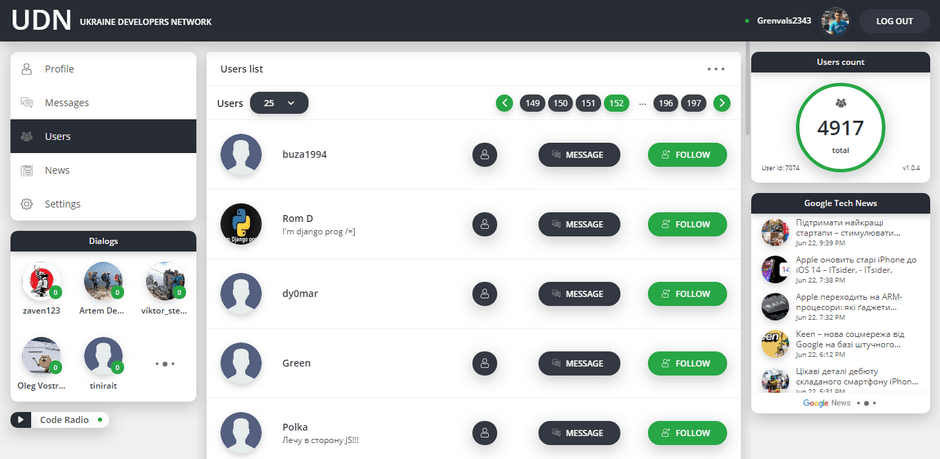
Users page
- User list.
- Changing the number of users on the page.
- Pagination.
- Subscribe/Unsubscribe from a user.
- Creating a dialog with a user.
- Viewing the profile of the selected user.
-
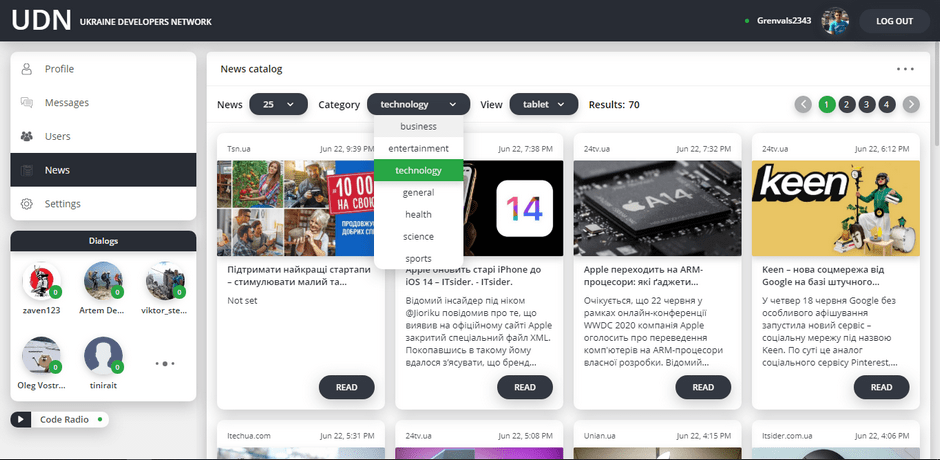
News portal
- News feed.
- Changing the number of news items on the page.
- Category selection.
- Pagination.
- Number of search results.
- Change of layout (tablet/list/large).
-
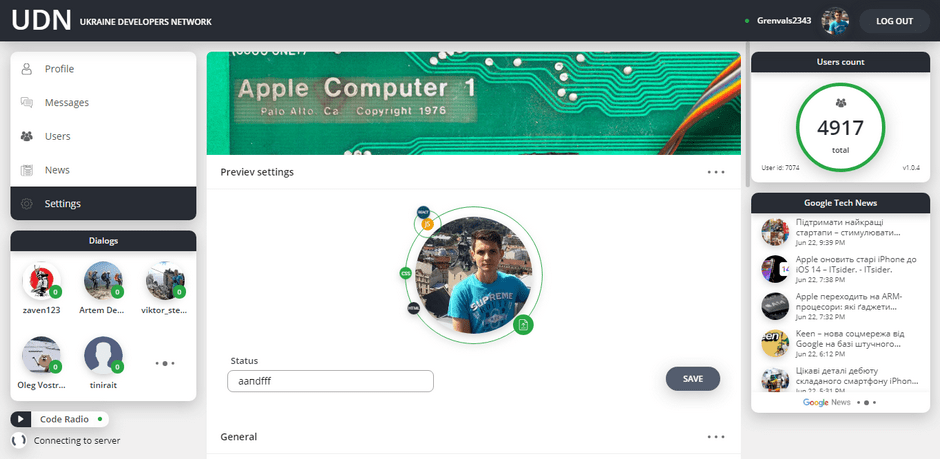
Settings page
- Changing the user's photo, name, status, active search status, description, detailed description, and contacts.
-
Sidebars
- Navigation panel.
- Active dialogs panel with auto-refresh.
- Latest news panel with auto-refresh.
- Panel displaying the number of registered users/app version.
- Background audio player with Play/Pause state toggle.
-
Notifications
- Displaying the waiting status for a server response.
- Notifications display system.
- Error handling.
Github
Screenshots
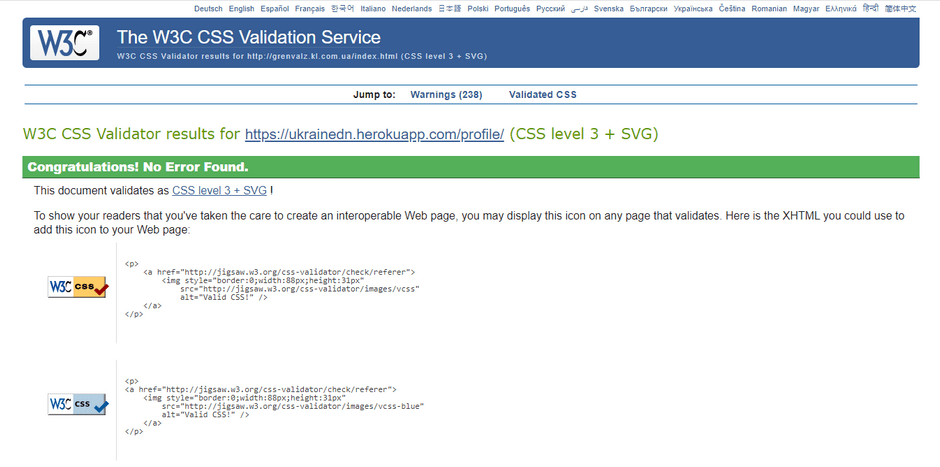
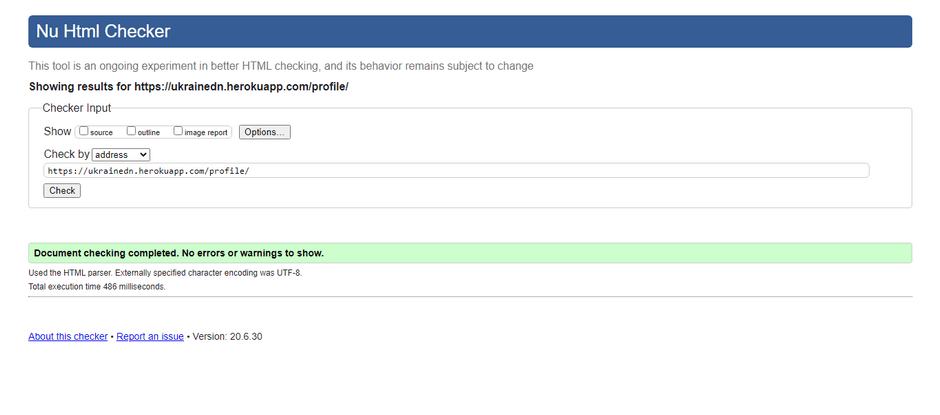
Quality assurance
Contacts
- If you have any questions or proposals, please feel free to message me 🙂.